 Untold Lore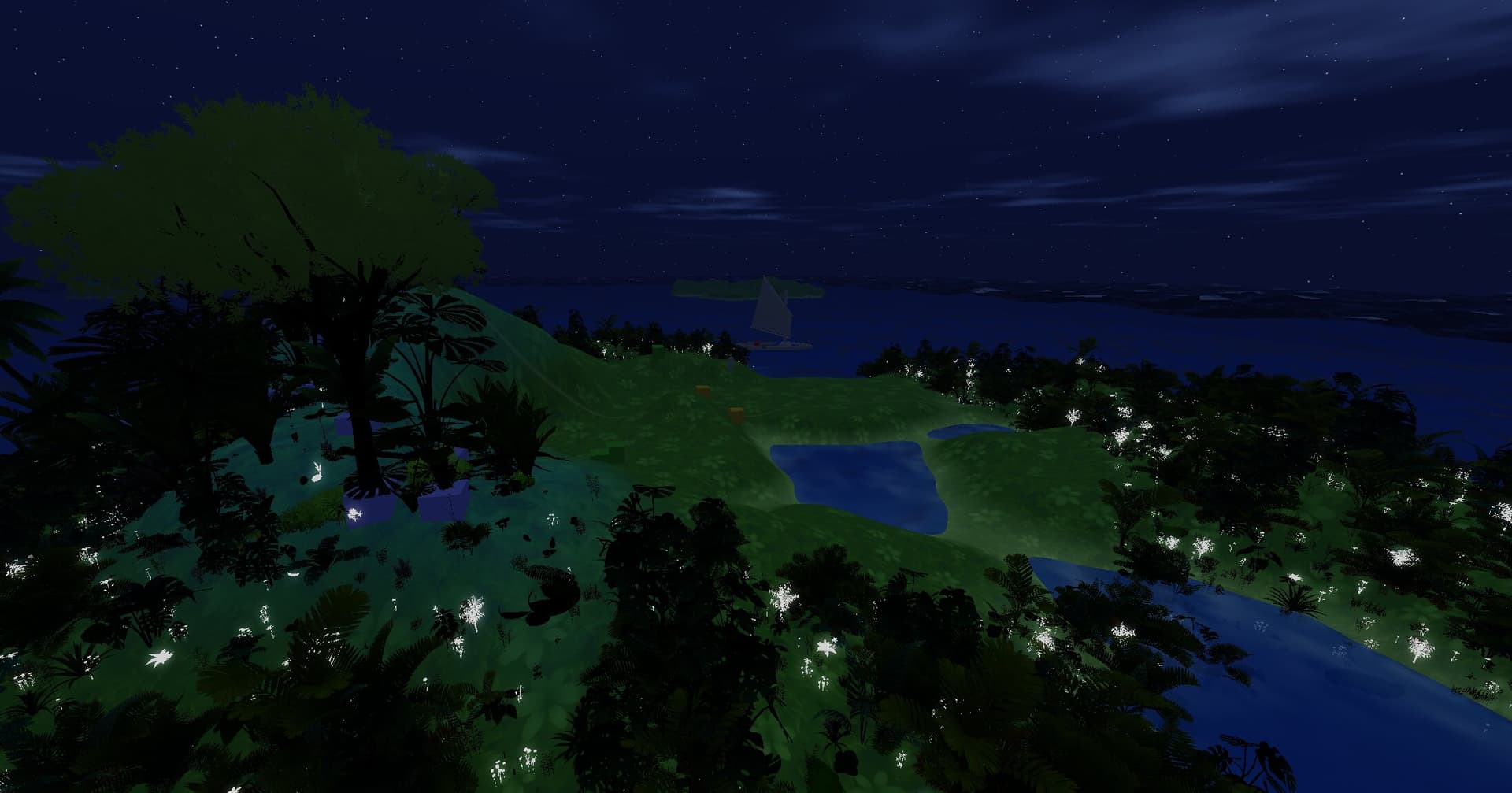
Design Your World
Design entire worlds from a bird's-eye view. The World Map Editor gives you a visual canvas where you lay out islands as independent subgraphs, each with its own terrain, features, and bounds. Drag islands into position, set sea level and wave turbulence, designate spawn locations, and watch your archipelago take shape in real time.
Sculpt the Terrain
Sculpt terrain through a node graph editor where every operation is a composable building block. Start with geometry sources to define island contours, layer in procedural noise for natural variation, smooth with Gaussian blur, and route your data through gradient maps, math operations, and blend nodes.
The graph outputs heightmaps, diffuse textures, and multi-page splatmaps — all rendered tile-by-tile in real time.
Populate the Wilds
Populate your islands with over a hundred configurable prop types — from towering jungle trees to tiny mushrooms underfoot. Each prop is driven by the splatmap: assign it a terrain channel, set density and scale ranges, and the engine scatters instances procedurally.
Collision props become solid objects players can bump into; ambient flora is GPU-instanced for performance. A real-time heatmap overlay lets you visualize exactly where each species will appear.
Paint the Landscape
Paint your terrain with up to sixteen material layers, each defined by a base color and normal texture. The splatmap system packs four channels per page, and the node graph lets you route geometry, noise, and slope data into any channel.
At runtime the terrain renderer blends materials per-pixel based on splatmap weights — so sand meets grass meets stone in smooth, natural transitions.